
A person using their smartphone outside a contemporary property entrance.

YOUR PEOPLE. YOUR PERMISSIONS.

Property access.
Made simple.

Manage people, permissions and access from one mobile-first platform.

Manage access in one place.

Works on your phone, tablet or desktop. No app download required.

  1. Set up your site and entrances.

  2. Add people and assign access permissions.

  3. Verify access or open compatible entrances.

Two ways to manage access.

QR Access

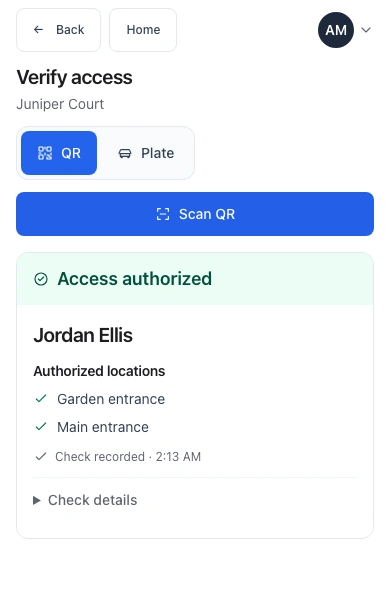
Your team verifies access using the phones or tablets they already have. No dedicated scanning hardware needed.

See what QR Access includes
  • Manage people and access
  • Grant, pause, or revoke access
  • Set access permissions for specific entrances
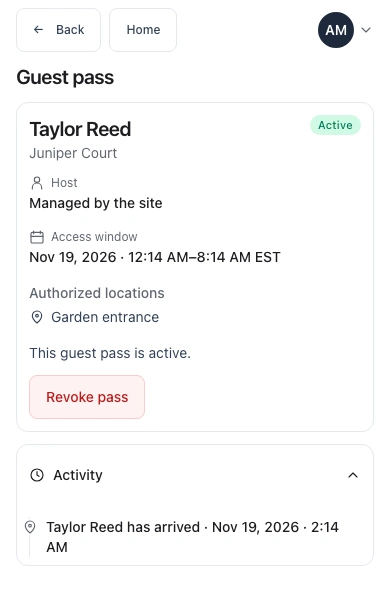
  • Schedule temporary access with start and end times
  • Verify access using your existing phones or tablets

Your team handles entry. QR verification does not automatically open entrances.
Tap-to-Open

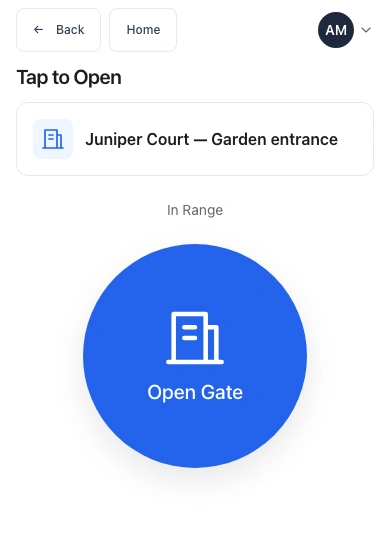
Authorized people can open compatible entrances with a tap from their phones. QR Access is included, too.

See what Tap-to-Open includes
  • Let authorized people open entrances from their phones when nearby
  • Allow designated administrators to open entrances remotely
  • Track opening requests and outcomes in access activity

We’ll check your entrance controls and connectivity with you before installation.

Start where you need it. Grow at your pace.

Mix staffed QR checks and Tap-to-Open at the same site. Add Tap entrances as you need them.

Example: one site, five entrances.4 staffed QR entrances + 1 Tap-to-Open entrance

Here’s what that looks like.

Let’s talk about your entrances.

Tell us about your site and how people come and go. We’ll help you find a setup that fits.

Email us